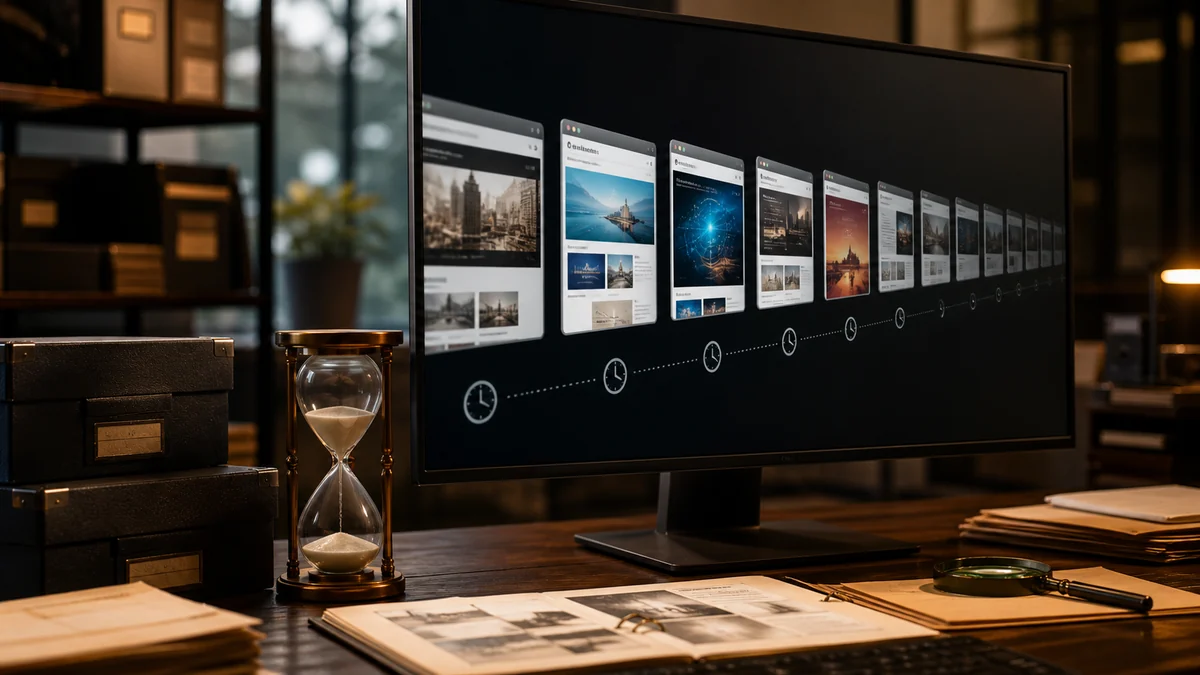
Web archives feel permanent. They are not — they are a best-effort preservation system run by underfunded institutions against a web that actively resists being captured. Knowing where the gaps come from makes you far better at using them.
Key Takeaways
- Snapshots are generally durable, but coverage is uneven and absence is common and normal.
- Captures can and do disappear via publisher requests, robots rules, and legal orders.
- A snapshot proves an earlier public state, not the current or corrected state.
- Always record the exact capture timestamp — an archive URL without one is a weak citation.
How a Page Ends up in an Archive at All
Nothing archives itself. A page enters the Internet Archive through one of a few distinct pipelines, and which pipeline caught it explains a great deal about the quality of the capture.
- Broad crawls sweep enormous URL lists periodically. Wide coverage, shallow depth, unpredictable timing.
- Partner and institutional crawls, funded by libraries and national archives, target specific domains far more thoroughly.
- On-demand saves, triggered by a person clicking Save Page Now. These produce the highest-fidelity captures because a real browser renders the page.
- Outlink harvesting, where a page gets captured because something else linked to it.
News homepages get captured constantly. Individual articles are far patchier, and an article that was never linked from a crawled page and never manually saved may simply have no record anywhere.
Why Captures Are So Often Incomplete
A modern article page is not a document; it is an application that assembles a document. It pulls text from one endpoint, images from a CDN, charts from a visualisation service, comments from a third-party platform, and video from yet another host — often after the initial HTML has loaded.
Archive crawlers capture what they can reach in the time they have. The result is the familiar half-broken snapshot: readable text, missing images, dead interactive charts, absent video, no comments. That is not corruption; it is the honest limit of capturing a distributed page.
Lazy-loaded content is a particular problem. If images or later paragraphs only load when scrolled into view, a crawler that never scrolls never triggers them.
Do Snapshots Disappear?
Yes, though less often than people fear. Several mechanisms remove or hide captures.
Publisher exclusion requests. The Internet Archive honours reasonable requests from site owners to remove captures, and a domain-level exclusion can hide years of history at once.
Legal orders. Court rulings, right-to-be-forgotten decisions in some jurisdictions, and defamation judgments all result in removals.
Robots-based retroactive blocking. Historically, adding a restrictive robots.txt could hide previously captured pages. This policy has been narrowed but the effect still appears, particularly after a domain changes owner — which is why a lapsed domain bought by a parking service can erase a defunct publication's entire archived history.
Barring these, captures are durable. The Internet Archive replicates its holdings across multiple physical locations, and material from the 1990s remains retrievable.
Verifying a Snapshot Before You Rely on It
An archived page is evidence of what a URL served at a moment in time. It is not evidence of what is true now, and treating it as such produces real errors.
- Read the capture timestamp in the archive toolbar and record it. A snapshot from three hours after publication may predate a substantial correction.
- Check adjacent captures. If several exist, compare them. Differences between snapshots reveal exactly what was edited and when.
- Compare against the live page where it is reachable, even partially. Headlines are revised far more often than readers assume.
- Watch for update notes that exist on the live version but not the capture, which is the most common way archived reporting becomes quietly wrong.
Citing Archived Material Properly
If archived material is going into research, journalism, or anything with a footnote, record five things: the original URL, the archive URL including its timestamp path, the capture date, the date you accessed it, and the headline and byline as they appeared in the capture.
The timestamp in the archive URL is the critical piece. A bare wildcard link points at a timeline, not a document, and a reader following your citation may land on a different capture than the one you read. Use the specific dated URL.
For material you expect to cite later, save it yourself with Save Page Now rather than hoping a crawl arrives. A capture you triggered exists from that moment on; one you waited for may never happen.
Archives Beyond the Internet Archive
The Wayback Machine is not the only preservation system, and the alternatives have different strengths.
archive.today takes single-page snapshots that often render JavaScript-heavy pages more completely, though its own longevity and governance are less established. National libraries in many countries run legal-deposit web archives with excellent domestic coverage, sometimes restricted to on-site access. Perma.cc serves legal and academic citation specifically, producing stable links intended to survive.
For anything important, more than one preservation route is worth the two extra minutes.
Preserving Something Before It Disappears
The most common archive regret is not that a snapshot was incomplete — it is that no snapshot was ever taken. If a page matters to you, the moment to capture it is now, not when you discover it has gone.
Save Page Now accepts any public URL and captures it immediately, rendering the page in a real browser so JavaScript-loaded content is usually included. It takes a few seconds and the resulting capture is permanent and publicly citable. There is an option to capture outlinks as well, which is worth using when the page's value depends on the documents it links to.
Prioritise material that is structurally at risk: anything on a domain that could lapse, pages from organisations in the middle of a restructure, government or corporate statements that may be quietly revised, and personal or academic pages tied to one person's employment. These vanish far more often than large news sites do.
For anything going into formal work, capture it twice through different services. It costs an extra minute and removes a single point of failure from your evidence.
Reading an Archive URL, and Why the Timestamp Matters
An Internet Archive address encodes more than people realise, and being able to read it turns the archive from a lucky dip into a precise tool.
The pattern is /web/, then a fourteen-digit timestamp, then the original URL. The timestamp runs year, month, day, hour, minute, second in UTC — so 20260318142530 is 18 March 2026 at 14:25:30. That string is the whole citation: it identifies one specific capture out of possibly hundreds for that page.
You can also shorten it deliberately. Supplying only 2026 asks for the capture closest to the start of that year; 202603 asks for the one nearest March. The archive redirects you to whatever it actually holds. This is far faster than clicking through the calendar view when you know roughly when the page was public and ungated.
Two suffixes are worth knowing. Adding id_ after the timestamp returns the capture without the archive's own navigation banner injected, which is useful when the toolbar is covering content. Adding * in place of the timestamp opens the full capture timeline for that URL, which is where you should almost always start.
Once you are comfortable with the format you can construct archive URLs by hand rather than searching for them, which matters when the page you want is a variant the search box does not surface.
Frequently Asked Questions
How far back do web archives go?
The Internet Archive's holdings begin in 1996, though coverage of any specific site depends entirely on when crawlers first reached it and how often they returned.
Can I request that a page be archived?
Yes. The Internet Archive's Save Page Now accepts any public URL and captures it immediately, which is far more reliable than waiting for a crawl.
Why does a snapshot look broken?
Almost always because assets on other domains — images, fonts, scripts, charts — were not captured alongside the HTML. The text is usually still intact and readable.
Conclusion
Archived pages can remain available for years, but no snapshot is guaranteed forever. Capture important public sources early, record dates, preserve original URLs, and keep multiple legitimate references. An archive strategy protects research from link rot while recognizing removal requests, crawler gaps, technical failures, and changing access policies over time.
Find Access Options for Your Article
Paste a link and get nine legitimate research routes in a second.