Subscriptions
Smart Ways to Support Journalism on a Limited Budget
Fund the reporting you actually rely on through targeted subscriptions, memberships, library access, group plans and non-financial support that genuinely helps.
Paste a link and Paywall Remover builds nine legitimate reading routes — the publisher, public web archives, open repositories, scholarly indexes and library catalogues. Everything runs in your browser. Hard paywalls are reported honestly, not faked.
Paste the publisher URL. Adding the headline sharpens the search, scholarly and library results. Everything is generated in your browser.
These links do not guarantee full-text access. They check public snapshots, publisher-authorised copies, open repositories, library holdings and research indexes.
The tool does not fetch, proxy, or unlock article text. It turns one URL into a structured research plan so you check the routes that actually work, in the order that works best.
The link is validated and normalised entirely inside your browser. Adding the headline sharpens the search, Scholar, and library queries.
Publisher, Internet Archive, two web indexes, Google Scholar, CORE repositories, WorldCat libraries, in-site search, and a direct author request.
Use a free allowance, a library licence, an open-access copy, an institutional login, or a subscription. If none exists, you will know that too.
Some pages are metered, some are registration walls, some are publicly archived, and some hold the full text on the server until a paying subscriber signs in. Those four cases need four different responses, and only one of them has no legitimate free route.
| Wall Type | What the Server Does | Legitimate Route |
|---|---|---|
| Soft / metered | Sends the full text, then counts your reads | Free allowance, archive snapshot, publisher newsletter |
| Registration | Withholds text until a free account exists | Create the free account, or use a library edition |
| Regional | Blocks by country or licensing territory | Library licence, syndicated version, official reprint |
| Hard paywall | Never sends the body to unauthenticated readers | Subscription, trial, library entitlement, author copy |
Built as a single static page: no framework, no CDN, no database, and no server that ever sees the link you paste.
Rejects malformed input, blocks javascript: and data: schemes, and normalises a missing protocol before anything is generated.
Jumps straight to the Internet Archive snapshot timeline for the exact URL so you can compare an earlier public state with the live page.
Queries WorldCat holdings and CORE open-access repositories, the two routes most readers forget they already have access to.
The original source is always route one. It carries the corrections, the byline, and the version the newsroom currently stands behind.
Link building is pure client-side JavaScript. A third party is contacted only after you deliberately click one of the generated routes.
Your last six lookups stay in localStorage on your own device, and one Clear button erases them permanently.
One stylesheet, one script, no fonts to download, no tracking pixels. The page is interactive the moment it paints.
Plain HTML, CSS and JavaScript. Drop it on any host — no build step, no runtime, no API key to leak.
Being useful and being honest are not in conflict. Paywall Remover is deliberately limited to public discovery, and it says so on every page.
Archives, library access, paywall mechanics, privacy, research method and subscription decisions — 21 in-depth guides.
Fund the reporting you actually rely on through targeted subscriptions, memberships, library access, group plans and non-financial support that genuinely helps.
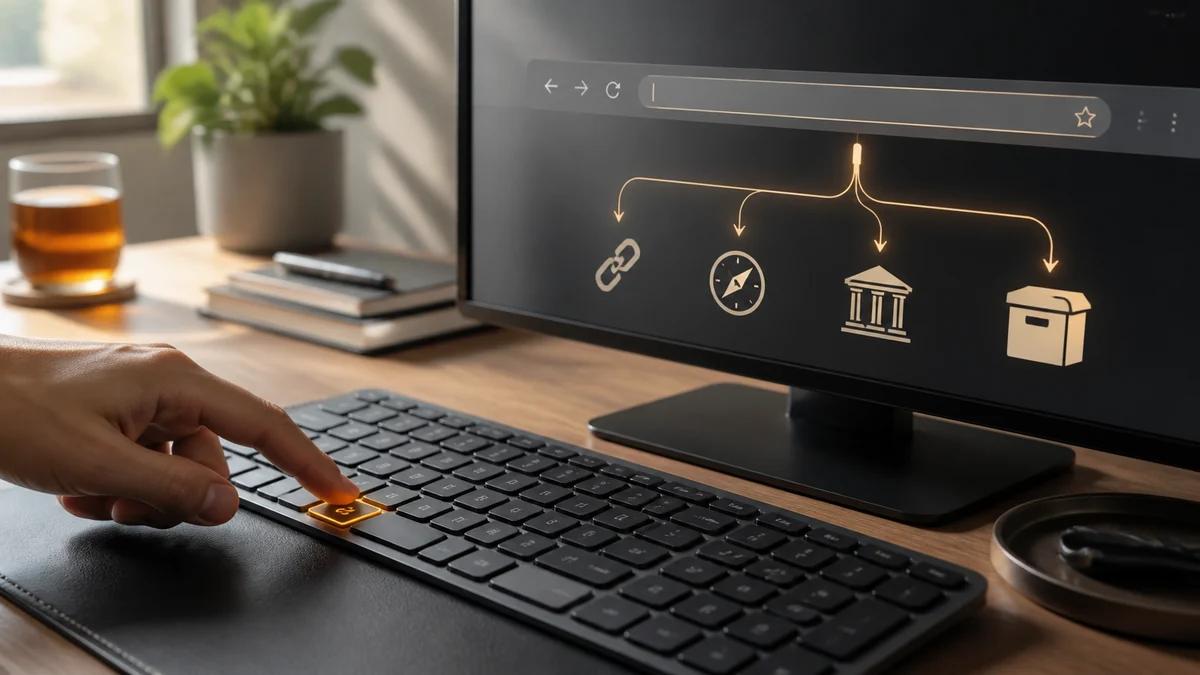
Set up a keyword search, bookmarklet or context-menu shortcut that sends the current article URL straight into legitimate archive, library and scholarly research routes.

What web archives actually preserve, why captures go missing, how long snapshots last, and how to verify and cite an archived article responsibly.

Use institutional proxies, repositories, preprints, DOI resolvers, author manuscripts and interlibrary loan to reach academic papers while working remotely.

Metered, registration, soft, hard and hybrid paywalls behave differently at the server. Learn to identify which one is blocking you and which legitimate route fits.

How article meters actually count you, why incognito advice is unreliable, and the legitimate publisher and library alternatives that work far more consistently.
Librarians, students, journalists and curious readers across the US, UK and Australia on what the access tool changed for them.
Twelve straight answers on how the tool works, what it stores, and where it deliberately stops.
No, and any tool that claims otherwise is misleading you. Paywall Remover generates legitimate access and research routes. A hard paywall keeps the article body on the publisher's server until an authorised reader signs in, and no browser-side link builder can change that.
No. There is no application server involved in building the links. The URL and optional headline are processed by JavaScript inside your own browser. Your browser contacts a third party only at the moment you click one of the routes.
Never. The site does not fetch, store, mirror, or republish publisher content. Every route is an outbound link to the original source or to a public discovery service that you visit directly.
Use a route you are entitled to: a subscription, a publisher trial or day pass, an employer or university login, a public library licence, or an authorised copy from the author. Many readers already hold library access they have never used.
It is optional but it makes a real difference. The headline lets the web search, Google Scholar, CORE and WorldCat queries match the specific piece instead of just the publication, which is the difference between finding an open copy and scrolling a homepage.
Reading a publicly available archive snapshot is a normal research activity, and archives such as the Internet Archive operate openly and honour publisher removal requests. What matters is that you are not circumventing a technical access control — you are reading a copy the archive already made public.
The site sets no cookies and loads no analytics, no advertising scripts, and no third-party fonts. The only thing stored is your recent-lookup list, which lives in your browser's localStorage and is removed by the Clear button.
Yes. Append ?url= and optionally &title= to the homepage address and the tool will pre-fill and run automatically. That makes it easy to wire up as a browser keyword search or a bookmarklet.
Because nothing matching was found, which is a real answer rather than a failure. An empty archive timeline means that URL was never captured; an empty repository search usually means no author manuscript was deposited. Two or three empty routes together are good evidence that the article is genuinely exclusive.
No, the URL alone is enough. The headline is optional but it noticeably improves four of the nine routes, because exact-phrase matching is what finds syndicated reprints, wire copies and open-access versions of a specific piece rather than just the publication's homepage.
Yes, and arguably better. Two routes target scholarly material directly: Google Scholar surfaces author manuscripts and alternate versions, and CORE aggregates open-access repositories worldwide. A large share of paywalled papers have a perfectly legal deposited copy that these routes find.
Yes. The site is fully responsive and can be installed to your home screen from Safari or Chrome, where it opens like an app. Pairing it with an iOS Shortcut or an Android share target lets you send an article straight from the browser's share sheet in two taps.
One paste, nine legitimate routes, no account and no data collection. If the article is genuinely locked, you will find out in seconds instead of after twenty minutes of dead ends.